Adventures with 3D printing RAM trays

So as of recent me and Michael have moved in together, because of us both being computer literate people we have a LOT of computer components including but not limited to RAM, SSDs, HDDs,CPUs, etc.
These parts need somewhere to live, preferably not inside of some random drawer where they might get damaged. My first thought was go go to Harbor Freight and get some bins, did that, and it was a less than ideal solution: RAM was always hitting each other in the bins, everything was kinda all over the place and nothing was safely stored.
So I went to the internet, we have a 3d printer: the Ender 3 v3 SE, and it's a great printer. I downloaded this model and printed it out, and these stackable bins work great! They store all of our RAM, have a variety of sizes, and even include models for trays that have a large height for older RAM sticks with gnarly heatsinks. The biggest problem I have is that none of the different models online fit a standard for them to stack or be easily stored away, but this guy made several models that work great together.
The tall RAM tray
This is the first one I printed because I wanted to see if my RAM sticks with large heatsinks would fit. The model says this one is 62mm tall, and it fits the largest RAM stick I have which is an old Corsair Vengeance kit.

The small RAM tray
Unlike the tall one, the small one has 29 slots instead of 18. Because of this its much better for more dense dimms such as server memory that doesn't have a heatsink. Stacks fine, looks good, works great!

The SSD Tray
This one was weird, but I oddly like it. Its a tray with two stacks of 2.5 drives that can be organized and separated. I have been using it to store my SSDs but you could also put hard drives in here.
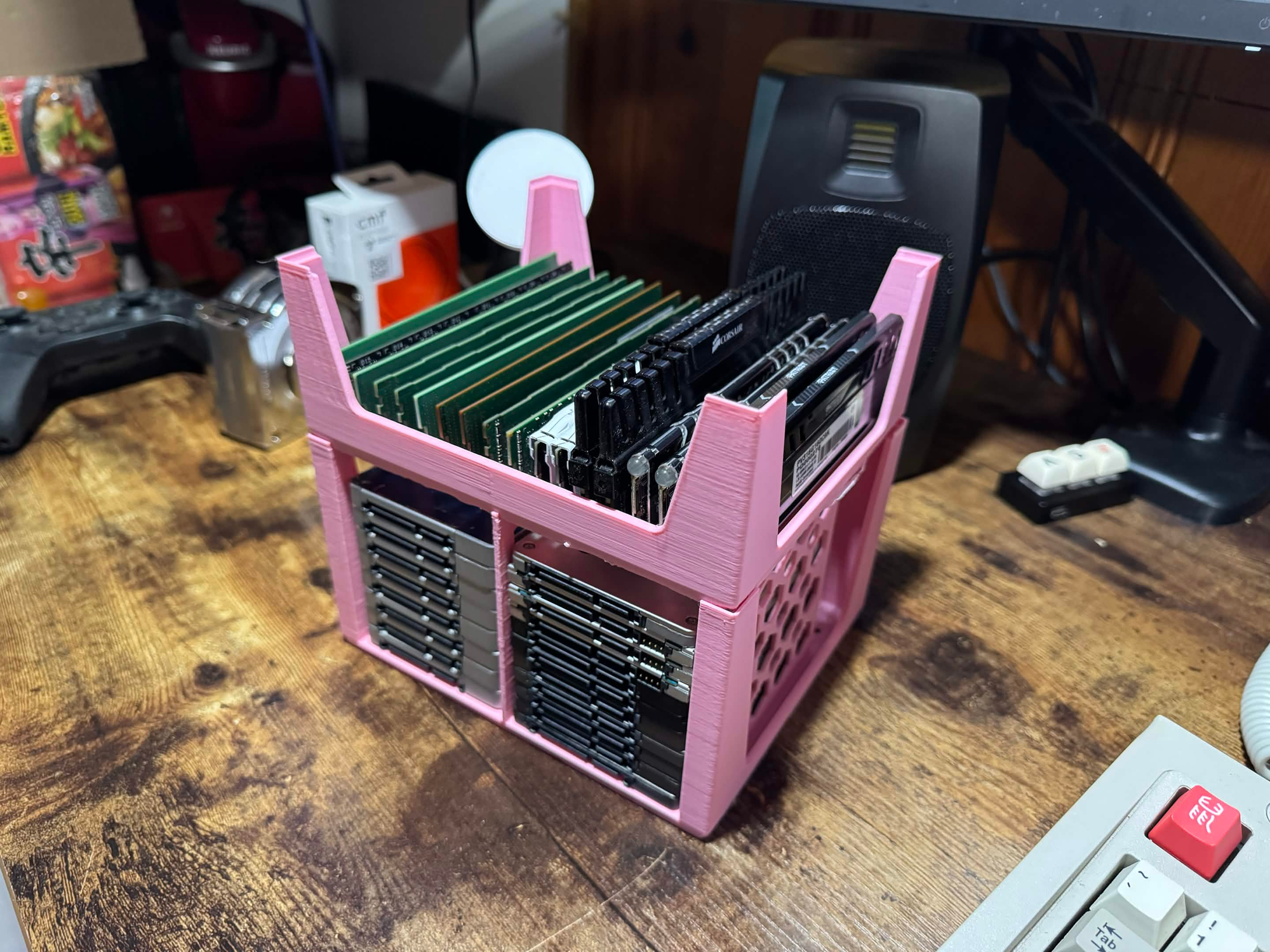
Thats all, thought I would share. Good models, 10/10 would print again!
~ Owen